Campaign Result is a report used for following up on your campaigns.
The report shows budget and outcome for, among other things, Number of Cartons, Weight in KG, and Value.
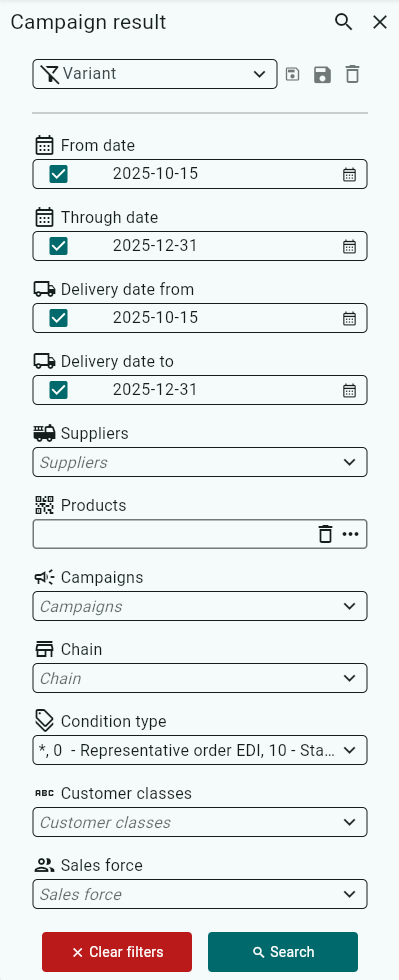
You can filter your search by, for example, Campaigns, Sales Force, Delivery Date, and Chain.
The filtering options open automatically.
If you have already searched and then want to change the filters, you can access them by clicking the three lines to the left of Campaign result.

Enter the filters you want to apply, then click Search.
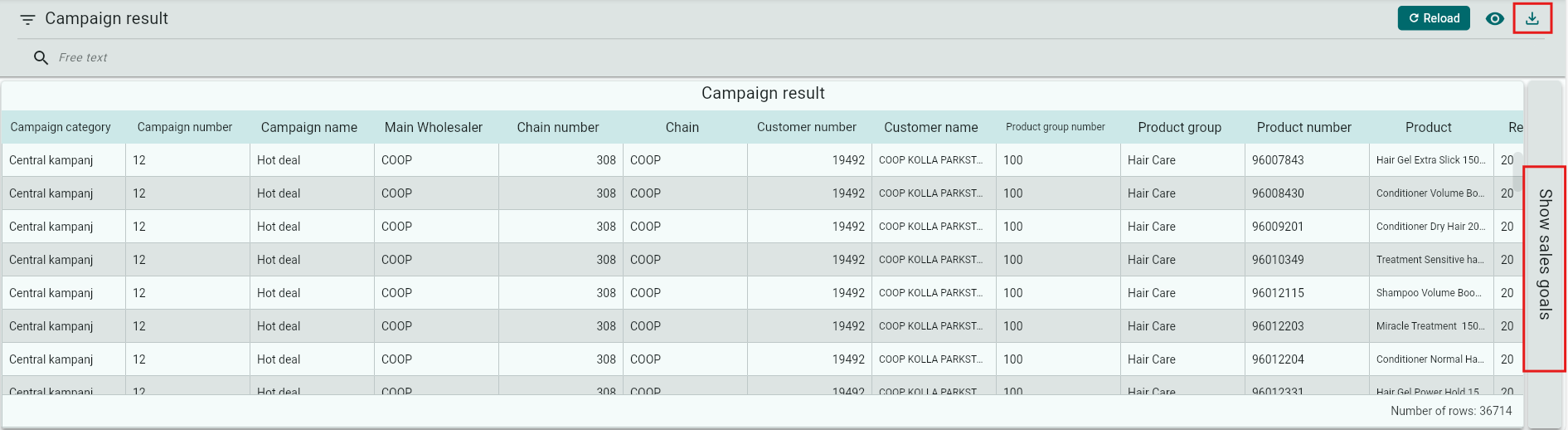
You can also display the outcome as sales targets, which means that if the sales representatives have taken orders outside the campaign but meet the campaign criteria, that outcome will appear under Sales Targets.
You can export your data to Excel using the Download button.
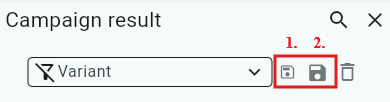
You can choose to save your selection as a variant (this works the same way in all reports).
Enter a name in the Variant field.
Click Save.
Save the variant for yourself only.
Save for everyone if you want all Back Office users to have access to the variant.
The next time you open Campaign Outcome, your variant will appear in the list.
Was this article helpful?
That’s Great!
Thank you for your feedback
Sorry! We couldn't be helpful
Thank you for your feedback
Feedback sent
We appreciate your effort and will try to fix the article