The follow-up provides a quick overview of which activities you have created.
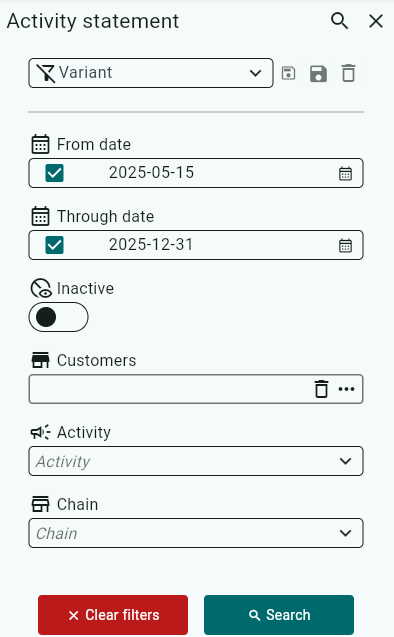
You can select a date range, choose whether to include inactive activities, and filter by customers, activity, or chain.
If you only want to include active activities, the Inactive marker should be black; if it is white, inactive activities will also be included.
If an activity has an X in one of the week boxes, it means the activity is active that week, meaning the sales representatives should be able to see it for the customers linked to the activity during that week.
At the bottom, you can see how many activities are active during that week. 
Was this article helpful?
That’s Great!
Thank you for your feedback
Sorry! We couldn't be helpful
Thank you for your feedback
Feedback sent
We appreciate your effort and will try to fix the article