The purpose of the Transfers function is to display all completed transfers for the sales organization and to make it possible to see when a specific salesperson has synchronized their clients, i.e. hardware devices (laptop, tablet, phone).
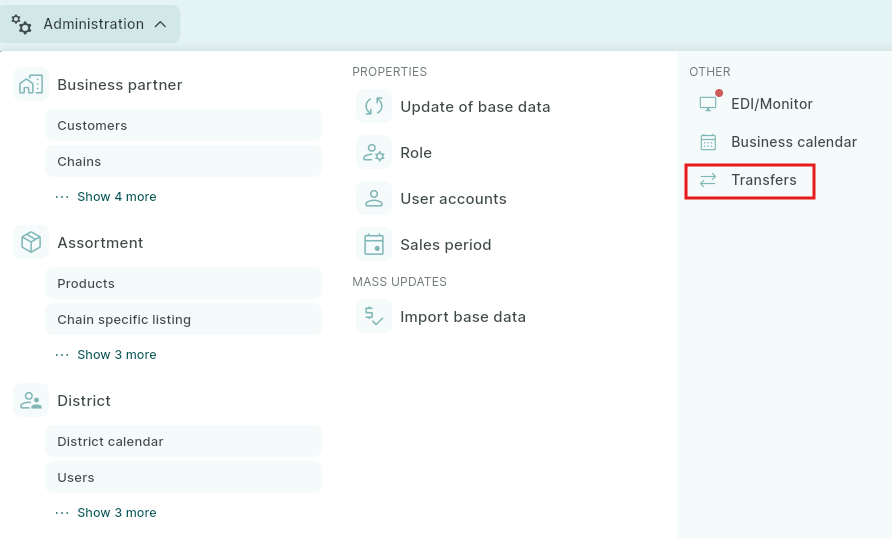
Transfers is accessed via the Administration menu and the Transfers function.
Under transfers you can see when the sales representatives last communicated and which version of Argus they are using.
If the number in the Version column is negative (for example, -20200922), it means the salesperson has performed a Total Sync.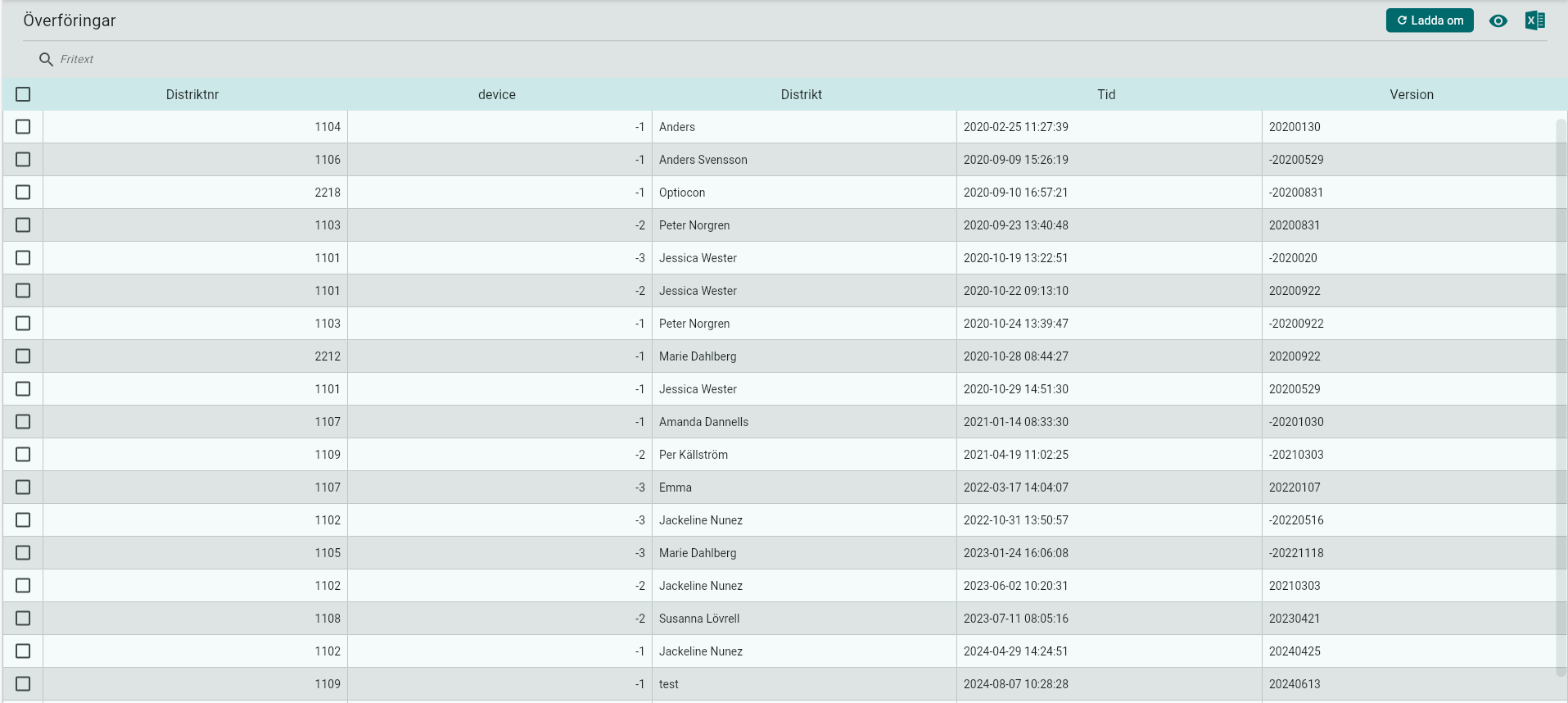
A Total Sync means that the salesperson’s database is deleted from the client, and all data is downloaded again. comparable to a reinstallation.
A Total Sync should only be performed in consultation with Vitec Nordman Support.
Was this article helpful?
That’s Great!
Thank you for your feedback
Sorry! We couldn't be helpful
Thank you for your feedback
Feedback sent
We appreciate your effort and will try to fix the article